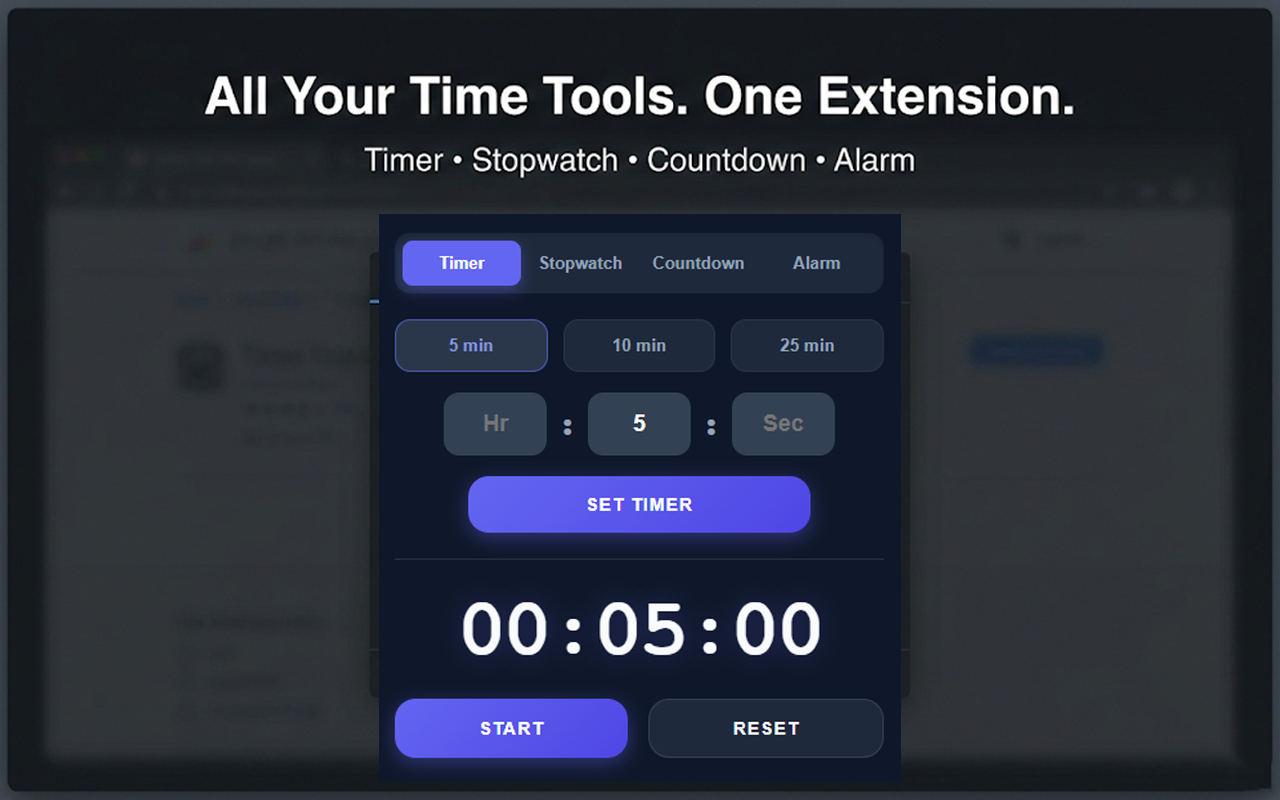
This is a detailed, professional privacy policy tailored exactly to the functionality of the code you provided. Because your extension does not transmit any data off the user’s computer, this policy is very “privacy-forward” and should make approval easy.
You need to host this text somewhere publicly accessible on the internet (e.g., a GitHub Gist, a public Google Doc, your own website, or a free privacy policy hosting site) and paste that URL into the Chrome Web Store dashboard.
Privacy Policy for “Timer, Alarm, Countdown and Stopwatch for Google Chrome™”
Effective Date: 17 Dec, 2025
This Privacy Policy describes how the “Timer, Alarm, Countdown and Stopwatch for Google Chrome™” browser extension (referred to hereafter as “the Extension,” “we,” “us,” or “our”) handles information when you use our services.
We are committed to protecting your privacy. We believe that your time management tools should work for you without compromising your personal data.
The core principle of this privacy policy is simple: We do not collect, store, share, or sell any of your personal data. The Extension operates entirely locally on your device.
1. Information Collection
We do not collect any personally identifiable information (PII) from you. This means we do not know your name, email address, location, IP address, or browsing history.
Types of Data Not Collected:
- We do not collect or transmit your browsing history or data from websites you visit.
- We do not collect usage analytics to track how you interact with the extension.
- We do not collect any advertising identifiers.
2. Local Data Storage and Usage
To function correctly, the Extension must store small amounts of data locally within your Chrome browser using the chrome.storage.local API. This data never leaves your local machine.
We use local storage solely for the following functional purposes:
- To save the current state of your active timers, countdowns, and stopwatch (e.g., start times, pause states, and accumulated duration). This ensures that if you close the Extension popup or restart your browser, your timers will continue running in the background.
- To store your saved alarm time settings.
- To store recorded stopwatch lap times temporarily until you reset the stopwatch.
3. Permissions Usage
The Extension requests specific permissions within your browser to provide its core functionality. Here is how those permissions are used with respect to your privacy:
- Storage (
storage): As detailed in Section 2, this is used exclusively to save timer states locally on your device so they persist in the background. - Notifications (
notifications): This permission is used solely to display local system banners alerting you when a timer finishes or an alarm is triggered. No notification data is sent externally. - Alarms (
alarms): This API is used to schedule browser events locally. It allows the browser to “wake up” the Extension in the background at the precise moment a timer or alarm needs to go off. - Offscreen Document (
offscreen): Modern browsers restrict playing audio from background scripts. This permission allows the extension to create an invisible, temporary document locally to play the alert sound (alarm.mp3) reliably when time runs out. No data is displayed or collected by this document.
4. Third-Party Sharing and Services
Since we do not collect any user data, we have no data to share.
- No Third-Party Analytics: We do not use services like Google Analytics, Mixpanel, or similar trackers.
- No Advertising: The Extension is ad-free and does not connect to ad networks.
- No Data Selling: We do not sell, trade, or rent user data to any third parties under any circumstances.
5. Data Security
Because all data associated with the Extension is stored locally on your device, it is protected by the security measures of your operating system and the Google Chrome browser sandbox. We do not maintain any servers that store user data, eliminating the risk of server-side data breaches regarding your information.
6. Your Data Choices and Rights
You have complete control over the local data stored by the Extension.
If you wish to delete all data associated with the Extension (including saved alarm times and current timer states), you can do so easily by uninstalling the Extension from Chrome. Upon uninstallation, the browser automatically clears the local storage associated with the Extension.
7. Changes to This Privacy Policy
We may update our Privacy Policy from time to time to reflect changes in our practices or for other operational, legal, or regulatory reasons. Any changes will be posted on this page with an updated “Effective Date.” We encourage you to review this policy periodically.
8. Contact Us
If you have any questions about this Privacy Policy or our data practices, please contact us via the support tab on the Chrome Web Store listing page for this item.
Contact: [info@riadalashekin.com]
Last updated: [17 Dec, 2025]